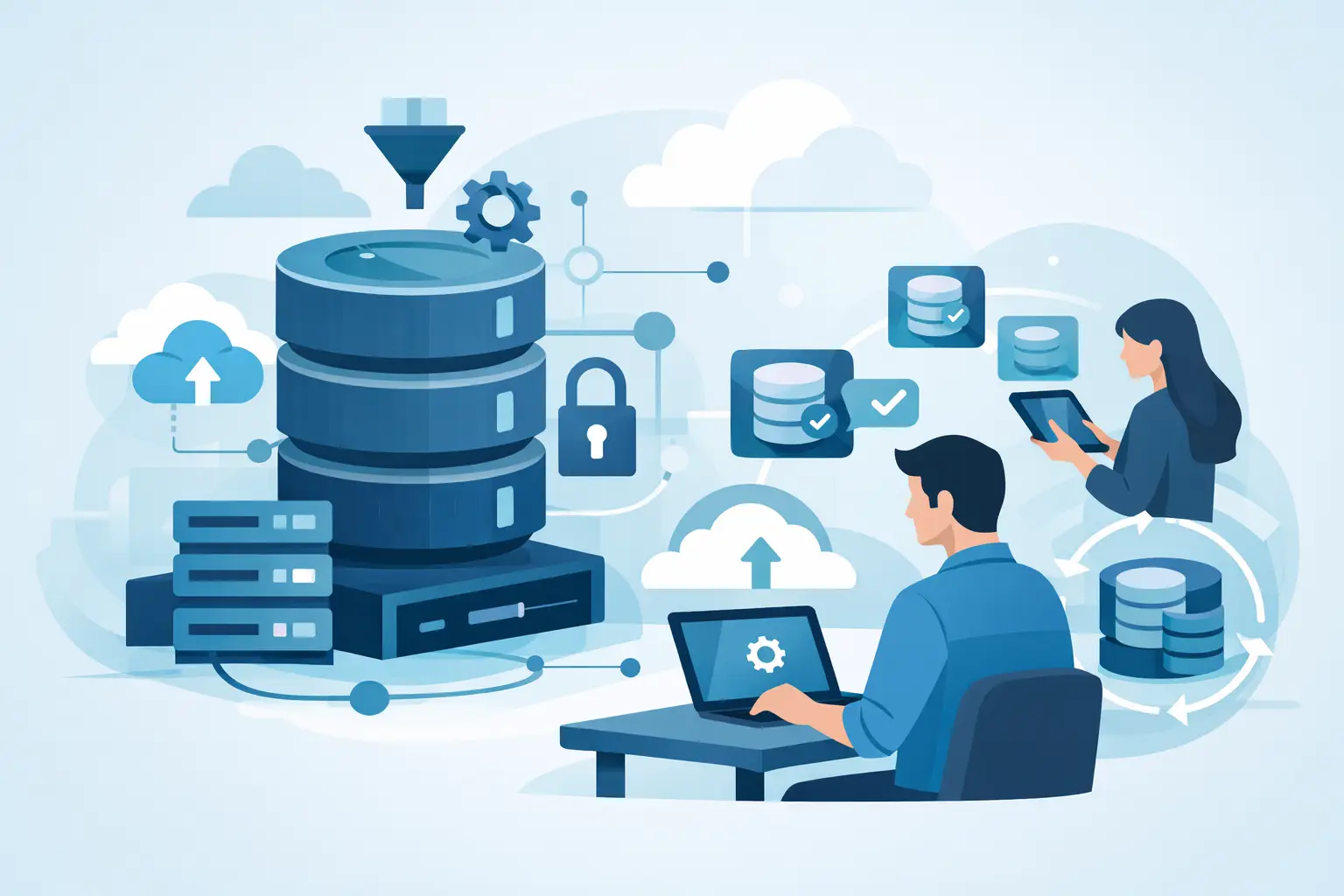
When a developer needs a current SQL Server environment and the answer is, "raise a ticket and wait", delivery slows before any code is written. That is the real cost of poor SQL Server self service provisioning - not just DBA effort, but stale test data, delayed QA cycles and more pressure on governance teams to approve risky workarounds.
For teams running SQL Server at scale, provisioning is rarely the hard part in theory. Restoring a backup, creating a database, masking sensitive fields and handing access to the right user sounds straightforward. The problem is that the workflow becomes slow, inconsistent and difficult to audit once dozens of engineers, projects and environments are involved.
That is why self-service matters. Done properly, it gives developers, QA and platform teams rapid access to production-like databases without turning DBAs into a ticket queue or exposing live personal data in non-production systems.
What SQL Server self service provisioning should actually solve
A lot of teams describe self-service as a convenience feature. In practice, it is an operating model. The goal is not simply to let people click a button to create a database. The goal is to shorten lead time while keeping policy enforcement intact.
That means a usable system for SQL Server self service provisioning must solve four problems at once. It needs to provide fresh environments quickly, apply masking automatically, keep data inside the organisation’s network boundary and create an audit trail that stands up to scrutiny. If one of those pieces is missing, the process usually falls back to manual DBA intervention.
This is where many internal scripts and ad hoc restore jobs start to break down. They can create databases, but they often do not handle sensitive data consistently. They may speed up one team’s workflow while creating governance risk for everyone else.
Why manual restore and mask workflows do not scale
Traditional non-production database delivery often follows a familiar pattern. A team requests a copy of production, a DBA restores the latest .bak, someone runs a masking routine, permissions are adjusted, and eventually the environment is released for testing. For occasional requests, that may be tolerable. For engineering teams shipping continuously, it becomes a bottleneck.
The first issue is time. Full restores can take hours, especially for large estates or shared infrastructure. The second is variability. Different people may apply different masking rules, or skip them under delivery pressure. The third is storage. Repeated full copies consume significant capacity, especially when multiple teams need parallel environments.
There is also a control problem. If every urgent request turns into an exception, governance becomes reactive. Teams start keeping old copies of databases because getting a fresh one is too slow. That creates exactly the kind of unmanaged non-production sprawl auditors dislike.
A better model for SQL Server self service provisioning
The more effective approach is to treat provisioning as a governed service rather than a manual task. In that model, approved users can create non-production databases on demand from existing SQL Server backups, but the workflow is wrapped in policy.
The policies matter as much as the speed. Access should be role-based. Sensitive data should be detected and masked by default. Every provisioned clone should be tied to a known source backup and a recorded user action. Infrastructure teams should decide where clones can run, who can create them and how long they persist.
This changes the DBA role in a useful way. Instead of spending time on repetitive restore work, DBAs define the safe operating boundaries. Developers and testers get the environments they need faster, while governance gains a more consistent process.
That is the real value of self-service in SQL Server estates. It is not less control. It is more control applied earlier and more consistently.
The architecture decisions that matter most
Not every provisioning platform fits every SQL Server estate. The right design depends on your data sensitivity, existing backup strategy, storage constraints and operational maturity.
For most enterprise teams, self-hosted deployment is the clearest fit. If regulated customer data is involved, moving backups or clone data outside your own network creates extra review and often extra resistance from security teams. Keeping data inside your environment reduces that friction and supports a cleaner compliance position.
Backup-native workflows also have practical advantages. If your provisioning process can create clones directly from existing .bak files, you avoid building an entirely separate copy pipeline. That keeps operational overhead lower and aligns with how many SQL Server teams already protect and distribute data internally.
Lightweight clone technology matters too. Full-size restored copies are expensive to store and slow to multiply. Smaller clones built from a common backup source reduce both provisioning time and infrastructure footprint. For organisations running multiple QA streams, release branches or automation suites, that difference is material.
Compatibility should not be overlooked. Mixed estates are common, especially where legacy applications still run on older SQL Server versions. A provisioning system that only supports a narrow version range can create yet another split process for the teams already dealing with enough complexity.
Security and compliance are not add-ons
In most SQL Server environments, the central question is not whether teams need realistic data. They do. The question is how to make that data usable without leaking personal or regulated information into lower environments.
Masking has to be part of provisioning, not an optional follow-up step. If masking happens later, there is always a window where raw data exists in a less secure environment. There is also more room for human error. PII-safe by default is not just a marketing phrase. It is the only reliable stance when environments are being provisioned frequently by multiple users.
Detection quality matters as well. Sensitive data is not always stored in neatly named columns. Good systems identify likely PII during import and apply the right masking rules before the database is released. Equally important, they record what was masked and when.
That reporting layer is often underappreciated until audit season arrives. Security and governance teams need evidence, not assurance. Exportable reports showing source, masking actions, request history and user activity turn self-service from a risk into a controlled process.
What good implementation looks like in practice
A workable rollout usually starts with one high-friction use case. That might be QA waiting days for test refreshes, a platform team supporting too many branch environments, or DBAs overwhelmed by repetitive restore requests. Start where delay is measurable and where the current process already creates operational pain.
From there, define the service boundaries clearly. Decide which backup sources are approved, which teams can provision environments, what masking policies apply and how clone lifecycles are managed. Self-service works best when users have freedom inside fixed rules, not when every request still needs manual approval.
It also helps to be realistic about exceptions. Some databases need special handling because of licensing, external dependencies or unusual schema patterns. That does not invalidate self-service. It simply means the service catalogue should distinguish between standard and non-standard cases.
The strongest implementations are the ones that tie speed to governance outcomes. Clone in seconds, not hours, is compelling. But for technical decision-makers, the bigger win is reducing ticket dependency while keeping non-production data under policy control.
Where teams usually get stuck
The most common failure point is treating provisioning as a single-tool problem. If the platform creates copies quickly but leaves masking, permissions and reporting to separate manual steps, the old friction remains.
Another issue is overengineering. Teams sometimes try to solve every database workflow in one project. It is better to standardise the 80 per cent case first - current masked clones for development, QA and automation - and then extend coverage.
There can also be cultural resistance. Some DBAs worry that self-service means losing oversight. In practice, the opposite is usually true. A well-designed system makes database usage more visible, not less visible, because requests, policies and outputs are all recorded. That is one reason platforms such as DataTamed appeal to enterprises that need both speed and audit readiness in the same workflow.
The operational payoff
When SQL Server self service provisioning is working properly, the improvement is visible across teams. Developers stop coding against stale copies. QA can refresh data without waiting in a queue. DevOps and platform teams can support more parallel work without multiplying storage costs. DBAs move from repetitive fulfilment to higher-value control and optimisation.
Just as importantly, governance improves. Sensitive data remains inside the customer’s infrastructure. Masking is automatic rather than best effort. Reporting is available when needed rather than reconstructed afterwards. That is a much stronger position than relying on goodwill and memory.
The organisations getting the most value from self-service are not the ones chasing convenience. They are the ones treating database delivery as part of their engineering platform. If your current process still depends on tickets, manual restores and last-minute masking, that is not a sign to work harder. It is a sign to make provisioning a controlled service and let your teams move at the speed your standards already require.