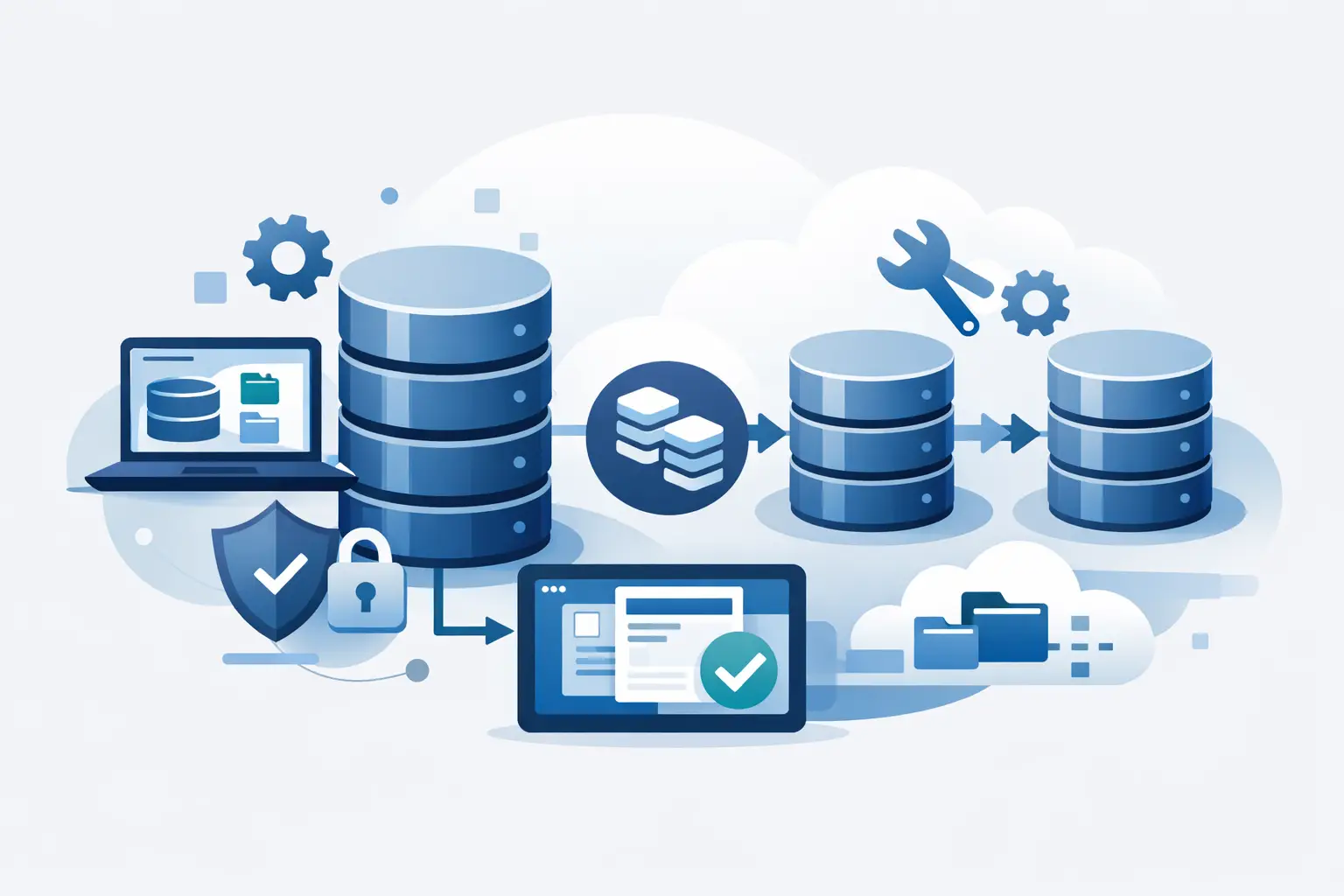
If your developers are still waiting half a day for a restored copy of production, the problem is not just speed. It is delivery risk, stale test data, and governance drift. A self hosted database cloning tool changes that operating model by giving teams fast access to realistic non-production databases without sending sensitive data outside your own infrastructure.
For SQL Server estates, this matters because the old workflow is rarely just restore and go. It is usually backup handling, storage allocation, DBA intervention, masking scripts, access checks, and a stream of follow-up requests when the environment is already out of date. That process creates friction in engineering and leaves compliance teams carrying too much uncertainty.
What a self hosted database cloning tool should actually solve
A good tool is not simply a faster restore mechanism. It should reduce the total time, effort, and risk involved in creating usable database environments. That means clones need to be provisioned quickly, but they also need to be current enough for development, safe enough for testing, and controlled enough for audit.
For most engineering teams, the practical requirement is clear. They need production-quality data for debugging, QA, automation, and release validation, but they cannot keep exposing raw personal data every time a new environment is requested. If your cloning platform speeds up delivery but leaves masking as a separate manual stage, the bottleneck has only moved.
The self-hosted part matters just as much. Many organisations cannot justify moving regulated customer data through a third-party service simply to prepare non-production copies. Keeping the process inside your network, under your access model, is often the difference between an approach that passes review and one that never gets approved.
Why self hosted database cloning tool adoption is rising
The pressure is coming from both sides. Engineering teams want self-service environments because release cycles are tighter and test coverage is broader. Governance teams want evidence that non-production data handling is controlled, repeatable, and defensible.
That is why a self hosted database cloning tool has become more than a convenience purchase. It sits directly between software delivery and data protection. Teams are no longer choosing between speed and compliance. They are looking for a platform that gives them both, with minimal operational overhead.
This shift is especially visible in SQL Server environments with multiple teams sharing the same DBA capacity. Traditional restore queues do not scale well when every squad needs fresh data for feature work, regression testing, or incident reproduction. A cloning model reduces the burden on DBAs while giving engineers a faster path to the data they need.
The difference between cloning and restoring
This distinction is worth making because many tools still present a polished restore process as if it were cloning. They are not the same thing operationally.
A restore creates a full copy of the database and pays the storage and time cost each time. That may be acceptable for occasional recovery or one-off environment creation. It is a poor fit for teams that need many copies, frequent refreshes, or rapid turnover.
A true cloning workflow uses a source backup or image to create lightweight database copies that can be provisioned quickly and consume far less storage. For SQL Server teams, that changes the economics of test data. Instead of treating every database request as a heavy infrastructure event, you can treat it as a controlled, repeatable service.
The trade-off is that cloning requires thoughtful platform design. Source handling, host compatibility, agent deployment, permissions, and masking controls all need to be considered up front. But once those are in place, the operating model is significantly cleaner than repeated full restores.
Core capabilities to look for
The first capability is speed, but not speed in isolation. You want clone creation measured in seconds or minutes, not hours, and you want that performance to hold across routine use rather than only in ideal demonstrations.
The second is built-in data protection. A self hosted database cloning tool should detect and mask sensitive fields as part of the import or provisioning workflow. If protection depends on separate scripts maintained by different teams, consistency will degrade over time.
Third is infrastructure control. Self-hosted agents, local deployment, and support for your existing SQL Server estate matter because the whole point is to keep data handling inside your own boundary. For many teams, compatibility across SQL Server 2016 through 2025, on both Windows and Linux, is not a nice extra. It is table stakes.
Fourth is audit readiness. Security and governance teams do not want verbal assurance that masking happened. They want evidence. Exportable reports, policy visibility, and traceable provisioning activity reduce the time spent defending non-production processes during reviews.
Finally, self-service access is critical. If every request still has to pass through a DBA ticket queue, the tool may improve infrastructure efficiency without improving delivery. The better model is controlled delegation - engineers can provision approved environments themselves while policy remains centrally enforced.
What often goes wrong in evaluation
The most common mistake is buying for cloning speed alone. Fast environment creation looks impressive, but it is only one part of the workflow. If masking is weak, reporting is absent, or permissions are awkward, operational friction returns almost immediately.
Another issue is ignoring storage behaviour. Some products claim cloning but quietly rely on heavier copies than teams expect. In practice, that means costs rise as adoption spreads. Lightweight clone size is not just an efficiency metric. It affects whether the platform can be used broadly across development, QA, and automation.
There is also an architecture question. Some tools assume centralised infrastructure patterns that do not match how enterprise SQL Server estates are actually run. If your teams operate across mixed operating systems, varied SQL Server versions, and segmented environments, the product needs to fit that reality rather than forcing a redesign.
Role-based value across the estate
For DBAs, the gain is less manual restore work and stronger policy control. They can define the approved workflow instead of acting as a permanent fulfilment layer for every test environment request.
For DevOps and platform teams, the benefit is standardisation. Environment provisioning becomes a managed service with predictable behaviour, not a collection of scripts and exceptions. That improves release flow and reduces dependency on individual team knowledge.
For QA and test automation teams, fresher masked data improves confidence. Defects found against production-like datasets are more meaningful than those found against synthetic or outdated copies.
For developers, the outcome is simple. They get realistic data quickly enough to stay in flow. That alone can remove days of waiting across a sprint.
For governance and security teams, the key is control that can be evidenced. PII-safe environments, local data handling, and exportable reporting reduce the risk profile of non-production access without blocking delivery.
Where a self hosted database cloning tool fits best
It is most valuable in organisations where SQL Server data is central to application behaviour and where environment requests happen frequently. That includes product teams with active release schedules, regulated businesses that cannot tolerate loose handling of customer data, and enterprises trying to standardise test data processes across multiple teams.
It may be less urgent in very small environments with infrequent refresh needs or where databases are tiny and contain no meaningful sensitive data. Even then, growth changes the equation quickly. What works for a handful of manual restores usually breaks once more teams, more audits, and more automation are involved.
For teams assessing options now, the best test is operational rather than theoretical. Ask whether the platform can create a masked SQL Server clone from your existing backup process, keep data on-site, support your version range, and give each team the access they need without weakening governance. If the answer is yes, you are looking at a meaningful change in operating model, not just another database utility.
DataTamed sits squarely in that category. It is designed for SQL Server teams that need clones in seconds, automatic masking at import, lightweight self-hosted deployment, and audit-ready reporting without moving sensitive data outside their own network.
The useful question is not whether cloning is faster than restore. It is whether your current process still makes sense when teams need fresh, safe, production-quality data every day. If the answer is no, the right tool should remove that friction without asking you to compromise on control.